What is Odysseus
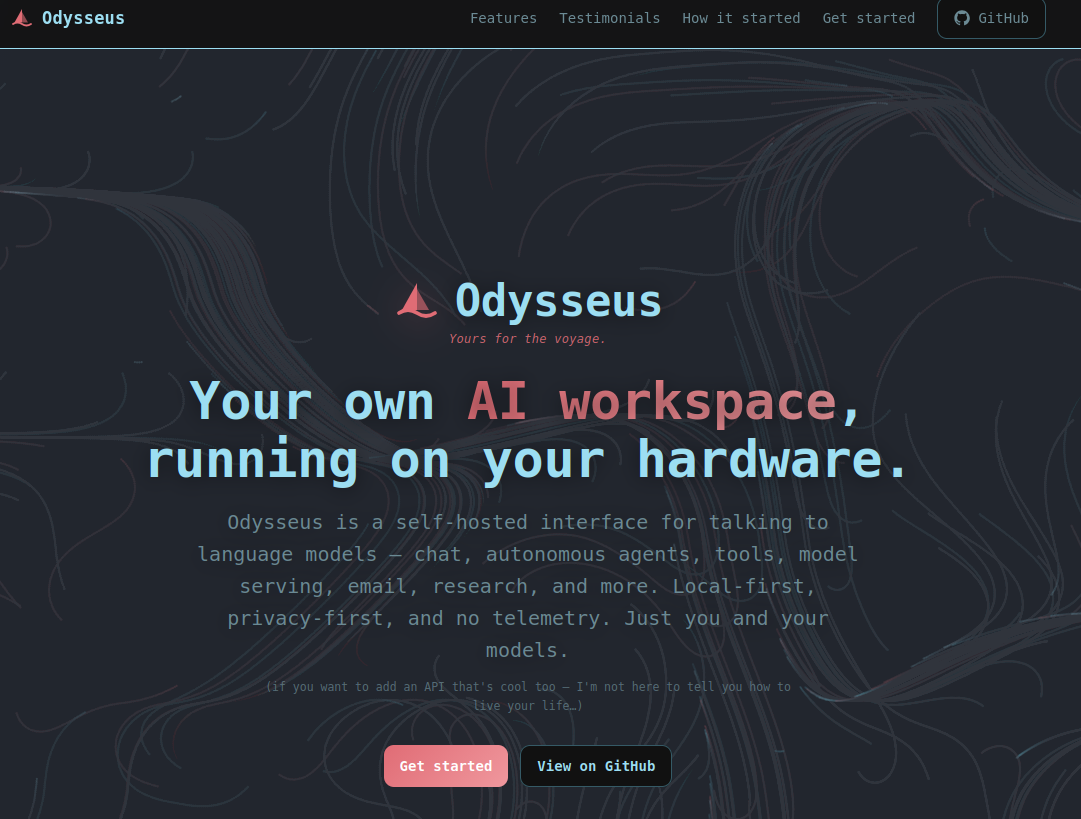
Odysseus is a self-hosted interface for talking to language models — chat, autonomous agents, tools, model serving, email, research, and more. Local-first, privacy-first, and no telemetry. Just you and your models.
what does that mean…
Private & Local-First Architecture: It gives you an uncompromised, subscription-free AI workspace that runs entirely on your own hardware with zero telemetry or data tracking.
Side-by-Side Model Comparison: It lets you send a single prompt to multiple local models simultaneously, making it incredibly easy to test, benchmark, and compare outputs in real-time.
Autonomous Agent Workflows: Beyond basic chat, it features intelligent agents with persistent memory that can independently browse the web for deep research, run terminal commands, and draft email replies.
The No-Nonsense Odysseus + Ollama Self-Hosting Guide
If you’ve tried setting up Odysseus and ran into weird script freezes, broken python paths, or the classic “Docker permission denied” error, you aren’t alone.
🚀 The Core Master Script (odysseus-setup.sh)
Save this file on your machine as odysseus-setup.sh. Run it directly as your standard user. Do not run this script with sudo. The script safely handles elevation internally only when hitting system directories.
Bash
#!/bin/bash
# odysseus-setup.sh — Streamlined Odysseus & Ollama Engine Installer
# Run as your normal user.

set -euo pipefail

# ── 1. Grab System Dependencies ──────────────────────────────────────────────
echo ">>> Pulling required system packages..."
sudo apt update && sudo apt install -y \
    ca-certificates \
    curl \
    software-properties-common \
    git \
    pkg-config \
    docker.io \
    python3.11 \
    python3-pip \
    gnupg \
    python3-gssapi \
    krb5-user \
    libcurl4-nss-dev

# ── 2. Handle Docker Permissions ─────────────────────────────────────────────
echo ">>> Setting up local Docker privileges..."
sudo groupadd docker 2>/dev/null || true
sudo usermod -aG docker "$USER"

echo ""
echo "  [!] ATTENTION: Docker permissions updated."
echo "  You need to log out of your computer and log back in for this to take effect."
echo "  Once you log back in, simply run this script again to finish up!"
echo ""

# ── 3. Configure Python Environment Tools ────────────────────────────────────
echo ">>> Bootstrapping pip-tools..."
pip3 install --user pip-tools
export PATH="$HOME/.local/bin:$PATH"

# ── 4. Download Odysseus Core ────────────────────────────────────────────────
echo ">>> Cloning the workspace repository..."
if [ ! -d "odysseus-self-host" ]; then
    git clone https://github.com/pewdiepie-archdaemon/odysseus.git odysseus-self-host
else
    echo "    Folder already exists, moving forward..."
fi

# ── 5. Sync Project Requirements ─────────────────────────────────────────────
echo ">>> Locking Python environment dependencies..."
pip-sync odysseus-self-host/requirements.txt

# ── 6. Build the Environment Profiles ────────────────────────────────────────
echo ">>> Generating configuration mappings..."
cp --preserve=all odysseus-self-host/.env.example odysseus-self-host/.env

# Force the container environment to find the host-level GPU network adapter
sed -i 's|OLLAMA_BASE_URL=.*|OLLAMA_BASE_URL=http://172.17.0.1:11434|g' odysseus-self-host/.env

# ── 7. Configure and Lock Down Local AI Models ────────────────────────────────
echo ">>> Auditing local Ollama service infrastructure..."
if ! command -v ollama &> /dev/null; then
    echo "    Ollama engine missing. Running native installation stream..."
    curl -fsSL https://ollama.com/install.sh | sh
else
    echo "    Ollama framework detected."
fi

echo ">>> Creating network overrides for the AI backend..."
sudo mkdir -p /etc/systemd/system/ollama.service.d
echo -e "[Service]\nEnvironment=\"OLLAMA_HOST=0.0.0.0\"" | sudo tee /etc/systemd/system/ollama.service.d/override.conf > /dev/null

echo ">>> Bouncing the backend service..."
sudo systemctl daemon-reload
sudo systemctl restart ollama

echo ">>> Pre-caching optimal model weights..."
# This downloads hardware-friendly 7B/8B profiles that won't overload your VRAM
MODEL_LIST=("qwen2.5-coder:7b" "deepseek-r1:8b" "qwen2.5-vl:7b")
for TARGET_MODEL in "${MODEL_LIST[@]}"; do
    echo "    Downloading: ${TARGET_MODEL}"
    ollama pull "$TARGET_MODEL"
done

# ── 8. Launch the Infrastructure Stack ───────────────────────────────────────
echo ">>> Spinning up the Odysseus application cluster..."
docker compose -f odysseus-self-host/docker-compose.yml up --build -d

echo ""
echo "✨ Setup complete! Everything is online and optimized."
echo "   Fire up your browser and head to: http://localhost:9081"
echo ""
📖 Quick Start Instructions
-
Make the script runnable:
Bash
chmod +x odysseus-setup.sh -
Execute the setup:
Bash
./odysseus-setup.sh -
The Quick Fix if Docker Errors Out: If you get a permission error on the very last step, don’t sweat it—your system just hasn’t registered the new user groups yet. Quickly log out of Linux, log back in, and run
./odysseus-setup.shone more time. Everything will click right into place.